
How it works
You pack it. We remember where.
You know it's packed. But which box? Record what goes into your boxes and totes, then search later to find the right one.
For moving, downsizing, or keeping things in storage.
Sign in or get started1 · Pack
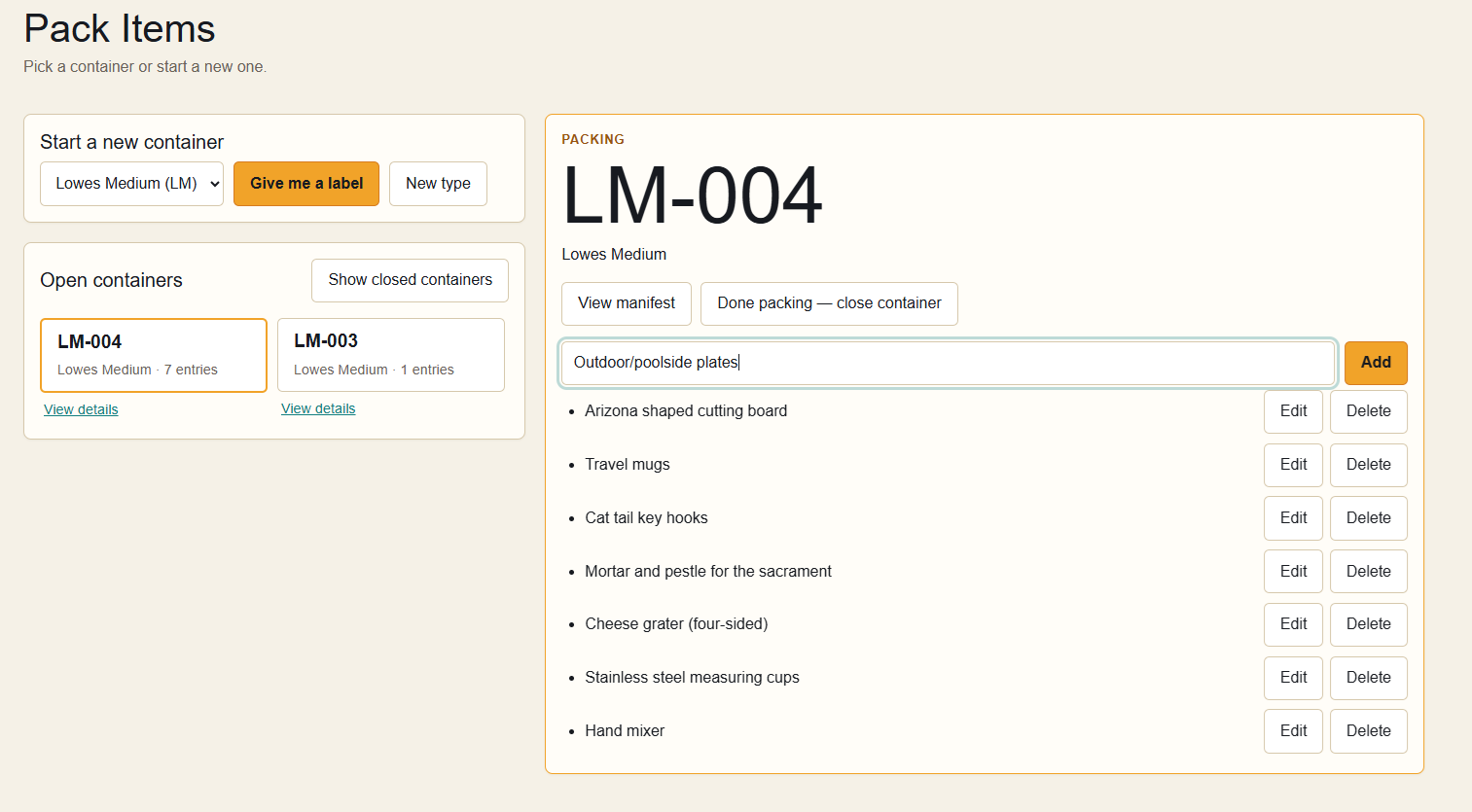
Record it as you pack it.
Choose a box or tote, get its label, and write that label on the container. Add a short description for each item as it goes in. When you're done, close the box in the app.
2 · Find
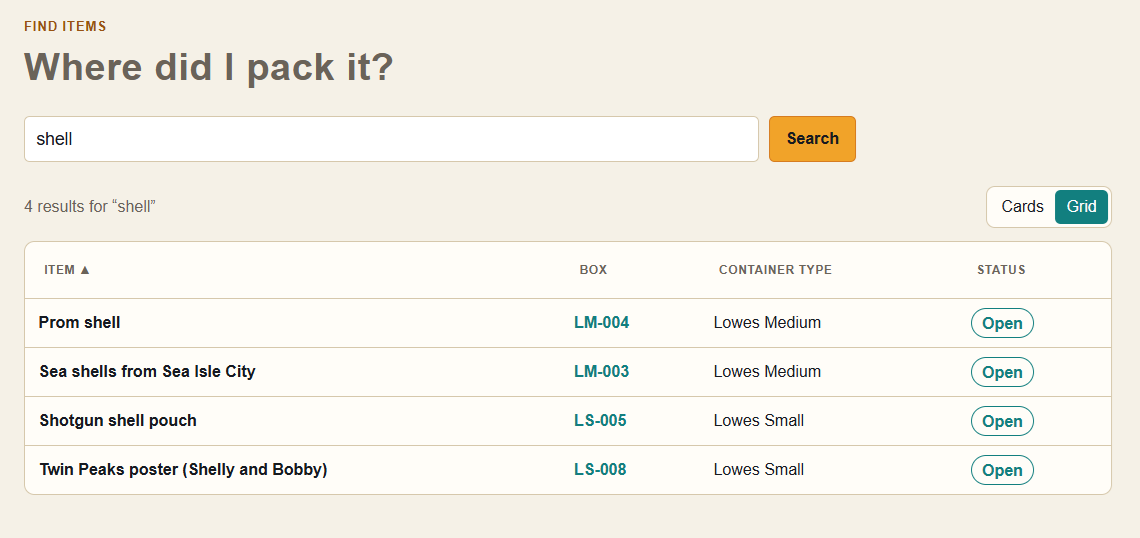
The prom shell? It's in LM-004.
Search for something you recorded. Packed Where? shows the matching items and their box labels, so you know where to look. Even part of a word will do.
3 · Browse
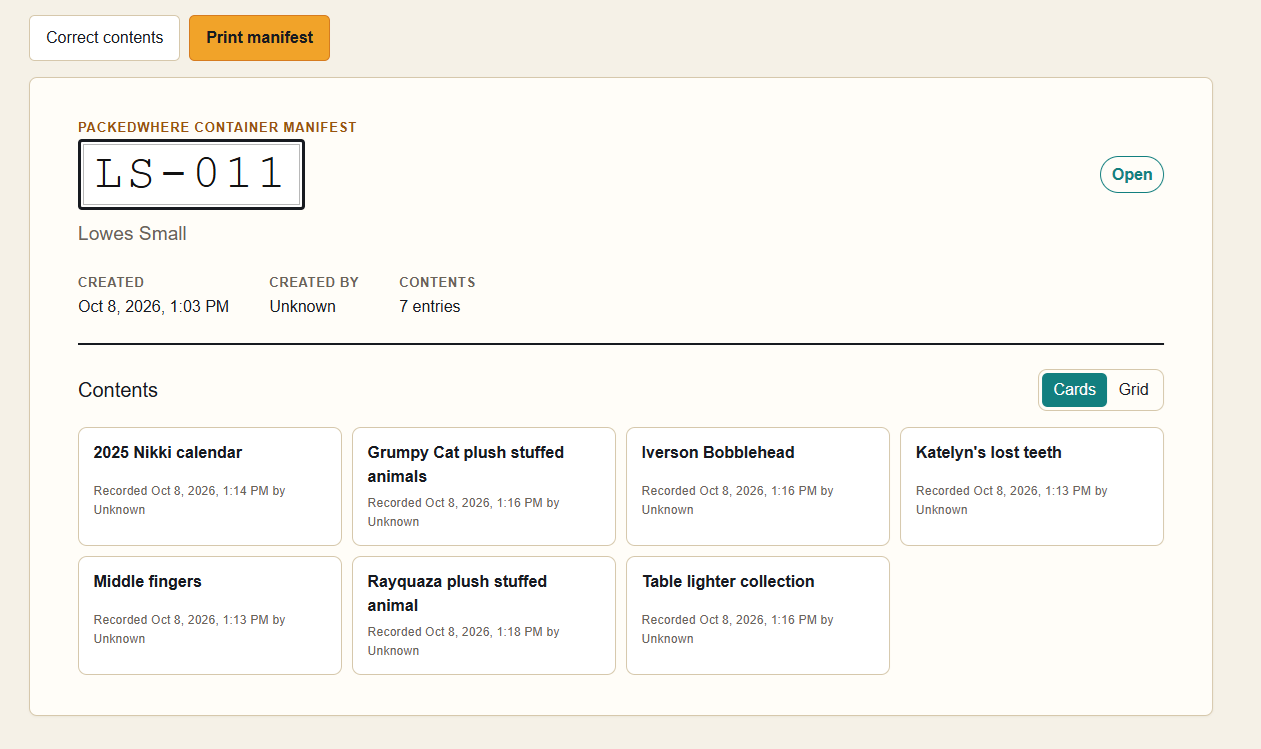
See what's inside a box.
Browse your boxes and open one to review its contents. Check what you recorded, correct an entry, or print a manifest to keep with the box.
Pack it. Record it. Find it.
No password to remember. Enter your email and we'll send you a six-digit sign-in code. Have an invitation? Use the email address it was sent to.
Sign in or get started Back to Packed Where?